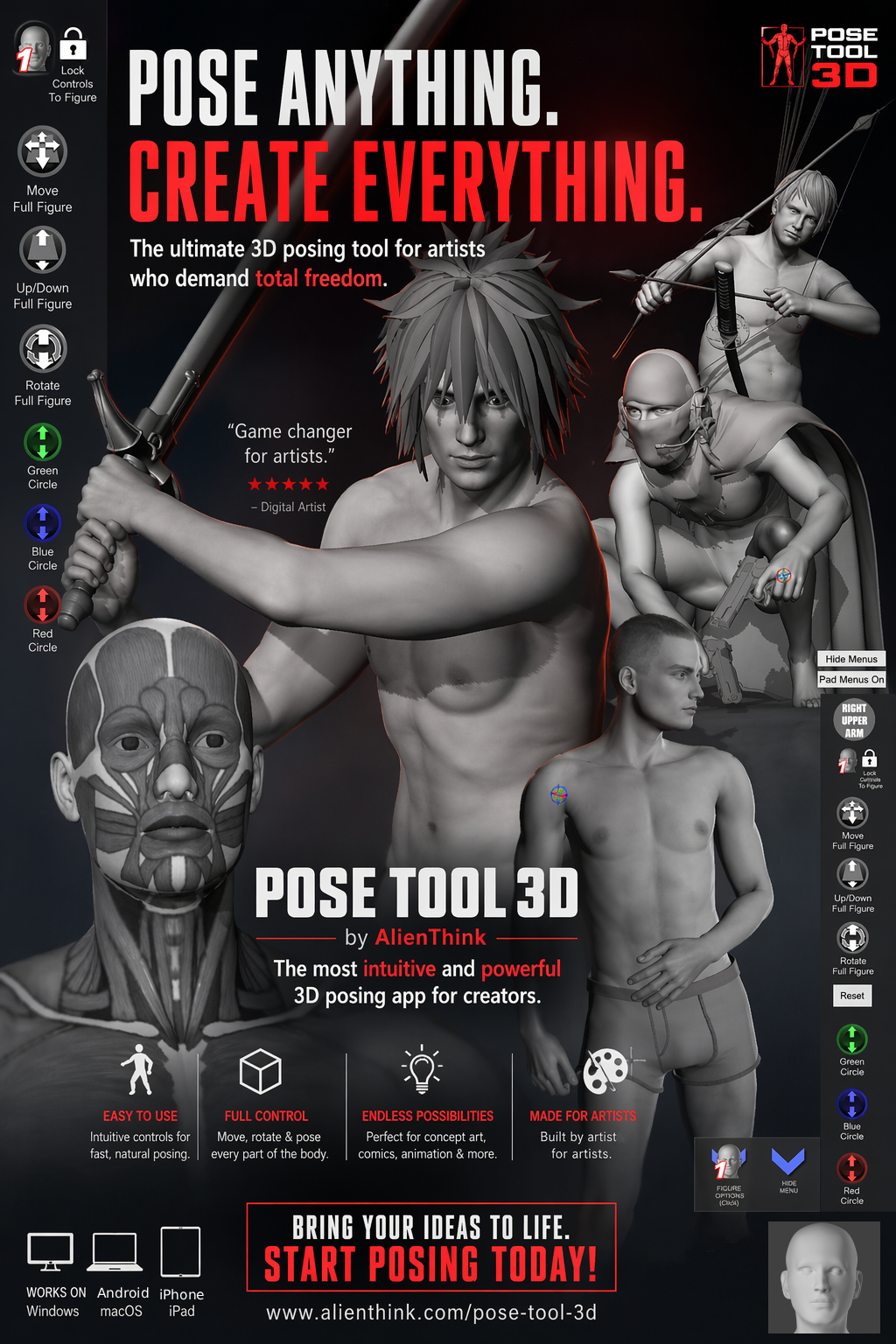
Top 10 Must-Have App - ImagineFX
Create Any Pose
On Your Device
The breakthrough figure posing tool for artists. No constraints. Muscle maps. Total control.
The breakthrough figure posing tool for artists. No constraints. Muscle maps. Total control.
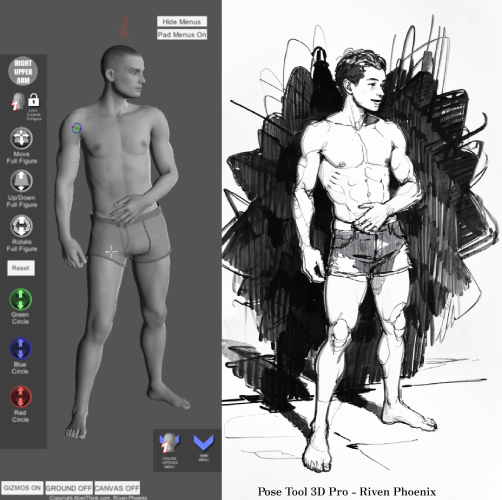
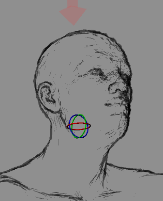
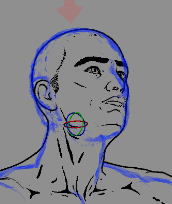
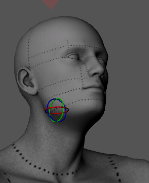
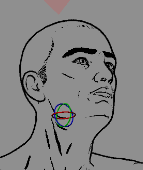
Switch seamlessly between 3D forms and 2D sketching guides. Visualize your character in sketch lines to help you draw on paper faster.
Attach swords, guns, and everyday objects to hands. The props move with the figure, allowing for complex action scenes.
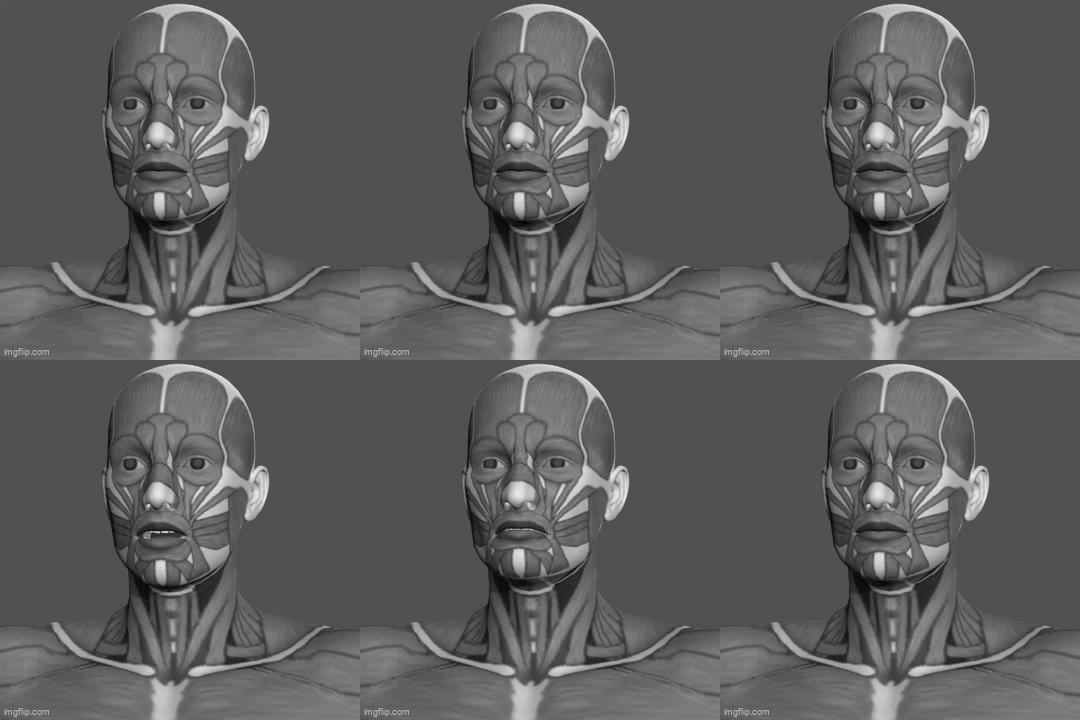
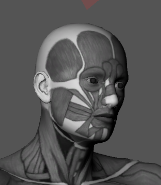
See exactly how muscles wrap around the body. Perfect for anatomy study and realistic shading.
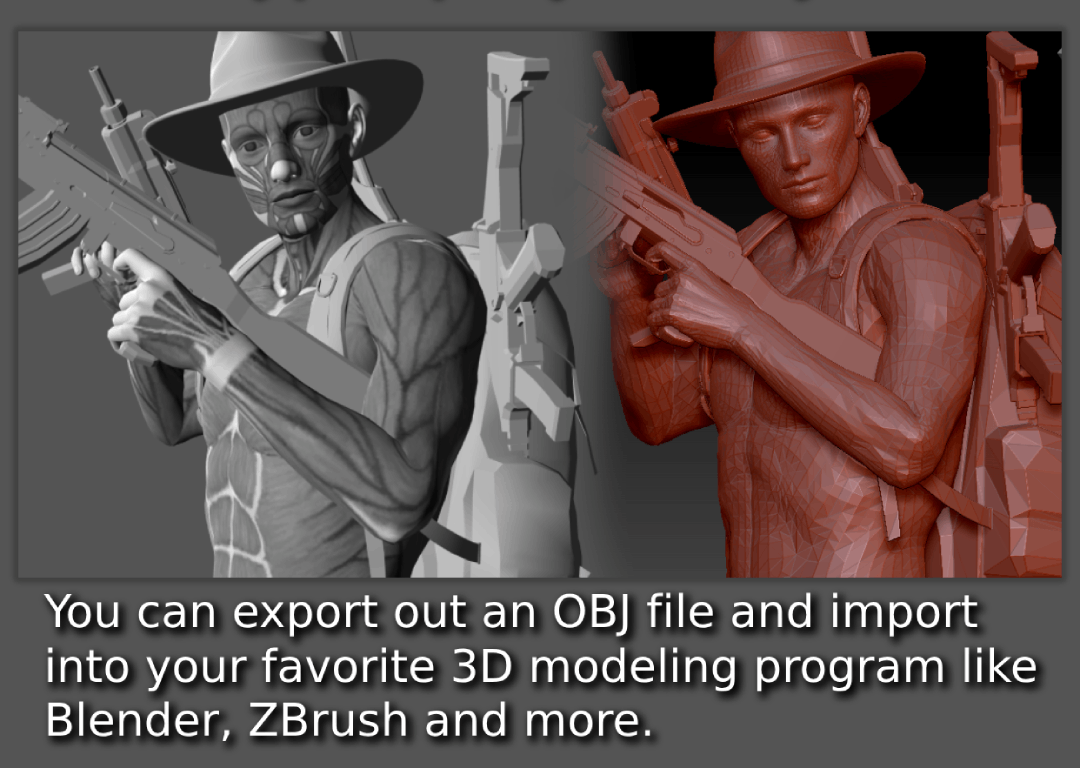
Take your pose into Blender, ZBrush, or Maya. Export the 3D mesh to continue your sculpting workflow.

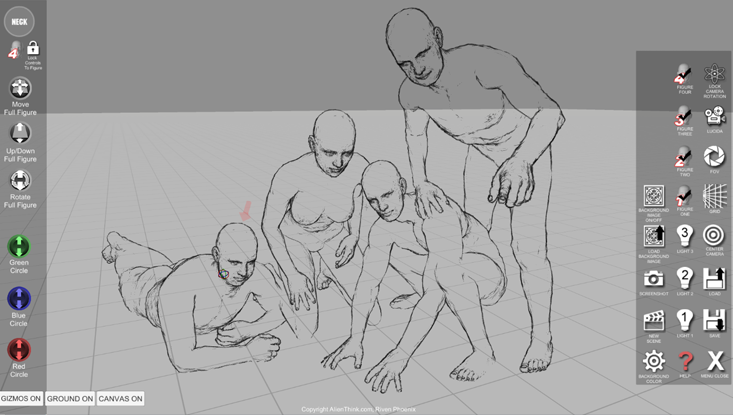
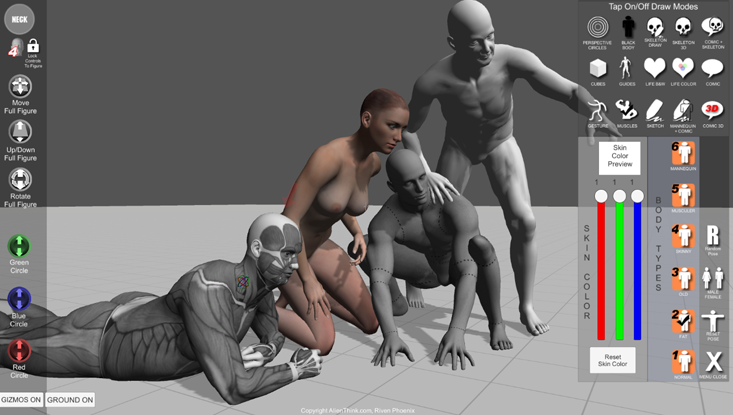

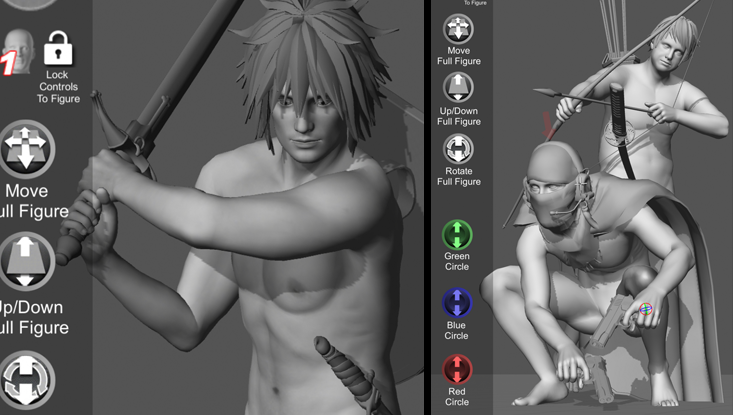


Detailed instructions for all controls.
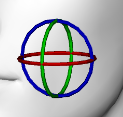
Select a body part, then use the Green, Blue, and Red circles on the left to rotate it.

You can move the entire currently active figure using the Move, Up/Down, Rotate icons on the left.

You can select body parts all the way down to the fingers.
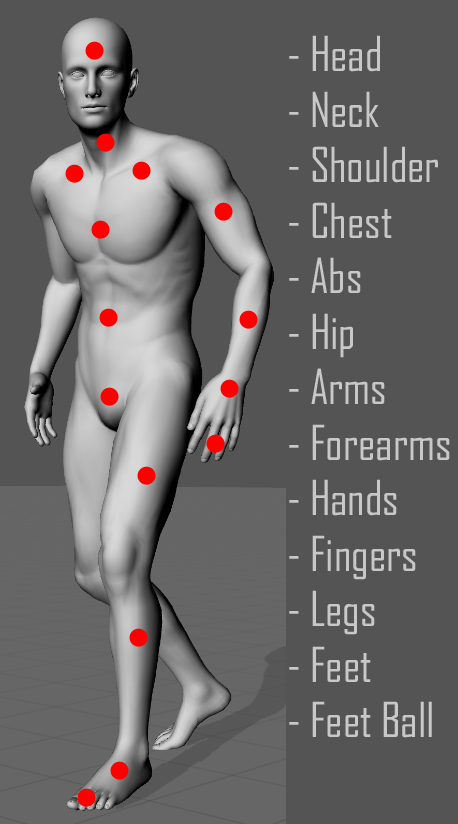
When selected, this icon shows you which body part is active.

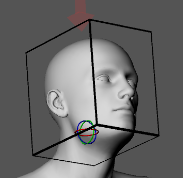
3D Gizmo: Shows which axis a body part can move on.
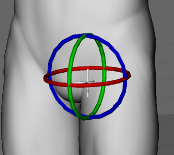
Hip Gizmo: When selecting hips, a larger gizmo allows full figure rotation.
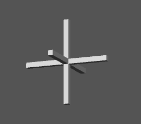
Camera Orbit Axis: Shows the center point the camera is pointing at.
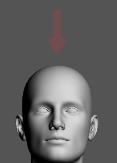
Active Figure Arrow: A faint red arrow indicates the currently selected figure.
You can turn off all gizmos by clicking the Gizmo button on the bottom left.

The ground plane is displayed by default. You can turn it on/off.
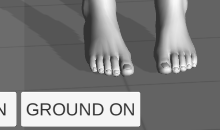
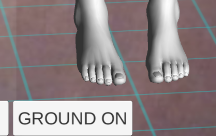
When you select a body part, that figure becomes active. Use the Padlock Icon to LOCK pose controls to the active figure.

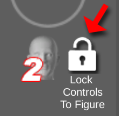
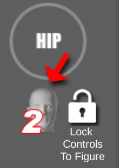

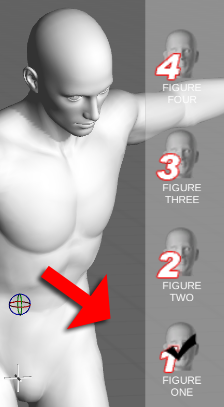
Use the Main Menu to turn figures on/off. Note: Only figures turned ON will be saved.
The Figure Menu (bottom right) controls display options for the selected figure.
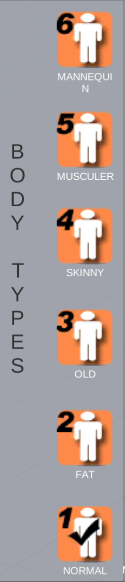
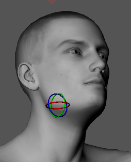
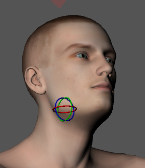
Select from 6 types: Normal, Fat, Old, Skinny, Muscular, Mannequin. Switch gender at any time.

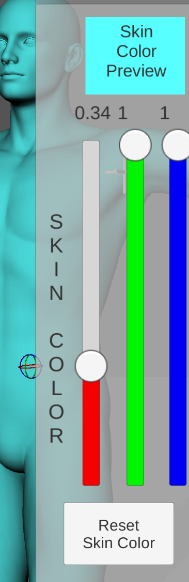
Change skin color per figure.

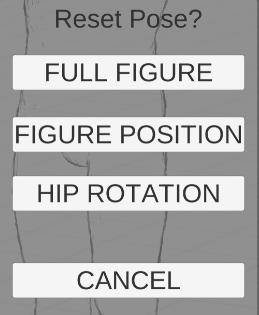
Reset pose or generate a random one.


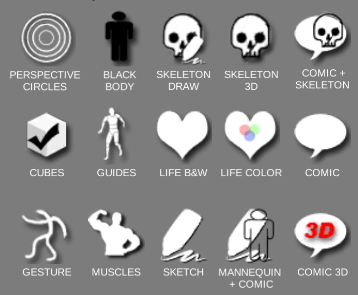
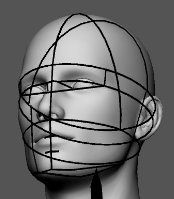
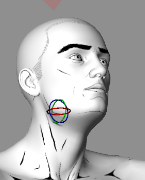
Turn draw modes on/off to visualize anatomy, perspective, and structure.











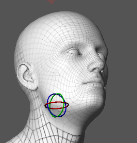

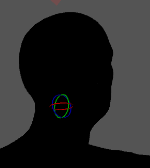

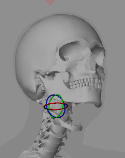

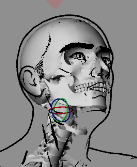
Global settings for the scene.

Save up to 40 scenes. Note: Only active figures are saved.


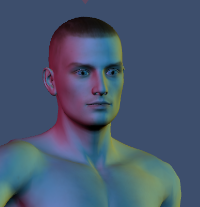
Turn on/off lights. Tip: Only 'Light 1' casts shadows. Disable shadows for speed.
Center Camera: Reset view.
Grid: Toggle perspective grid planes.
FOV: Change Field of View (Lens).
Lock Rotation: Freeze camera angle.
Lucida: Trace over camera feed.
Background Image: Load photo from device.


Enable up to 4 figures.