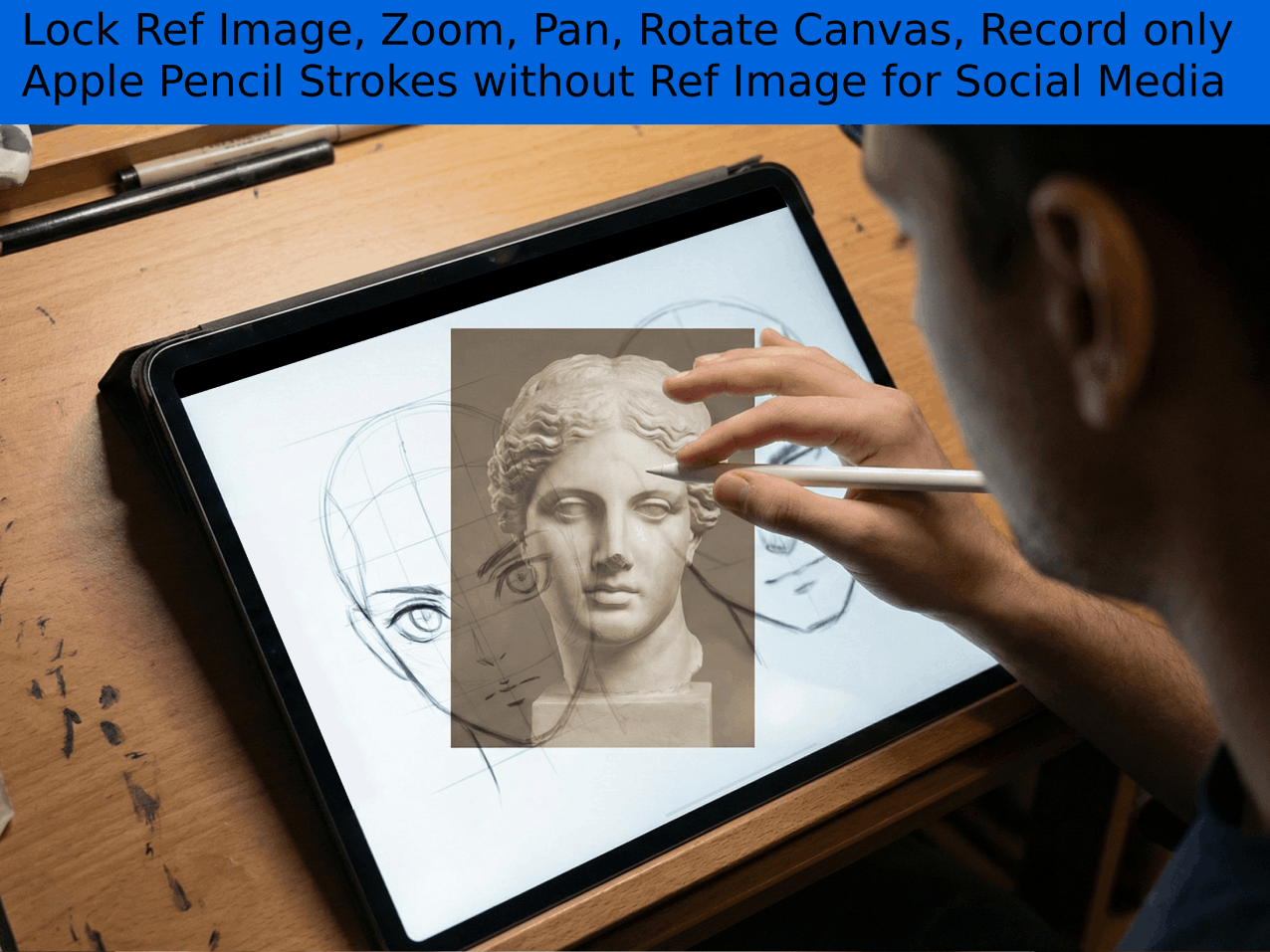
Designed for Content Creators and Students. Trace references, use Camera Lucida AR, and record professional Drawings for social media—all in one app.
Compatible with Apple Pencil (All Generations)
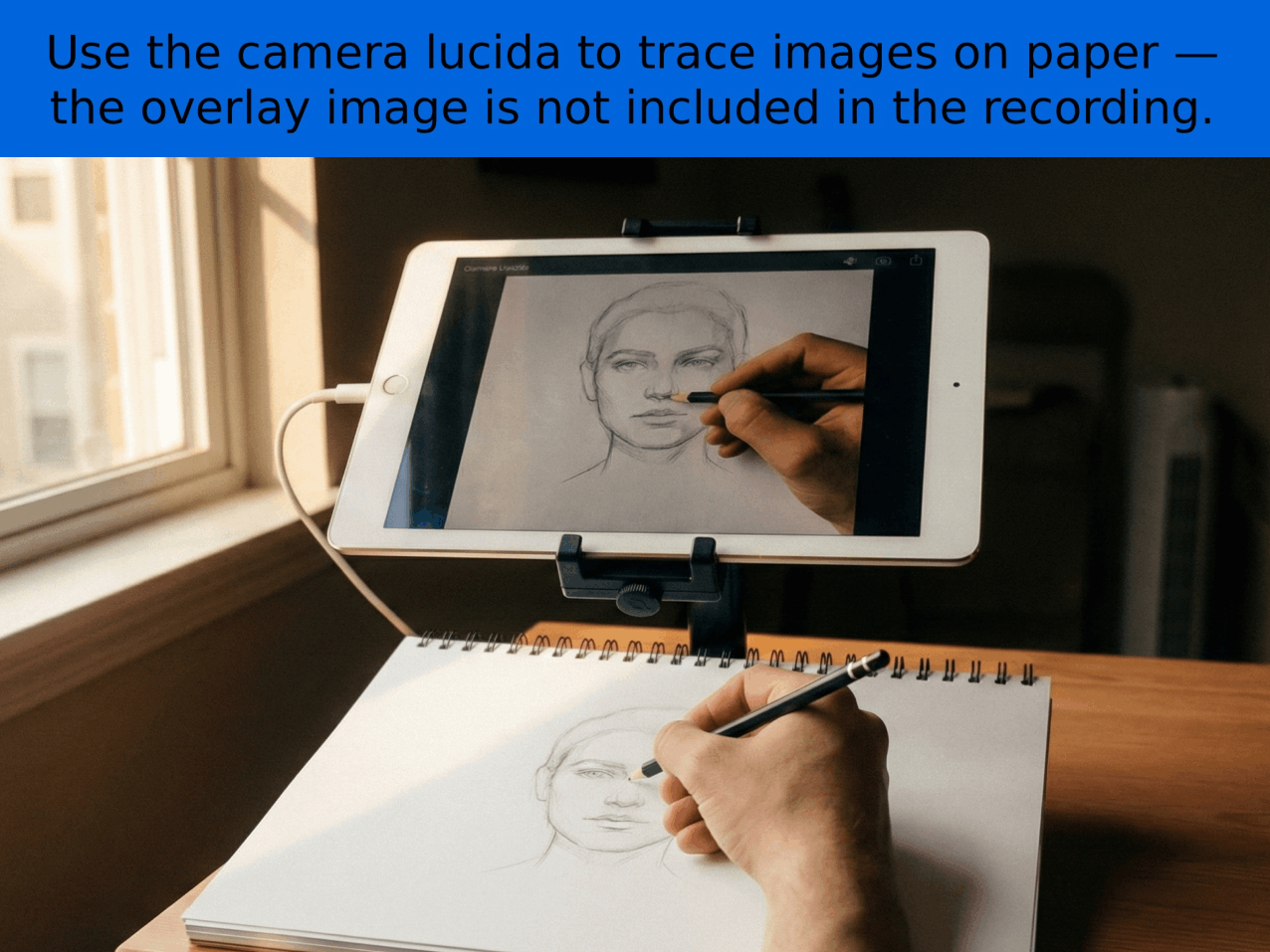
Point your camera at real paper. See a ghost overlay of your reference on the screen. Trace physically while looking digitally.
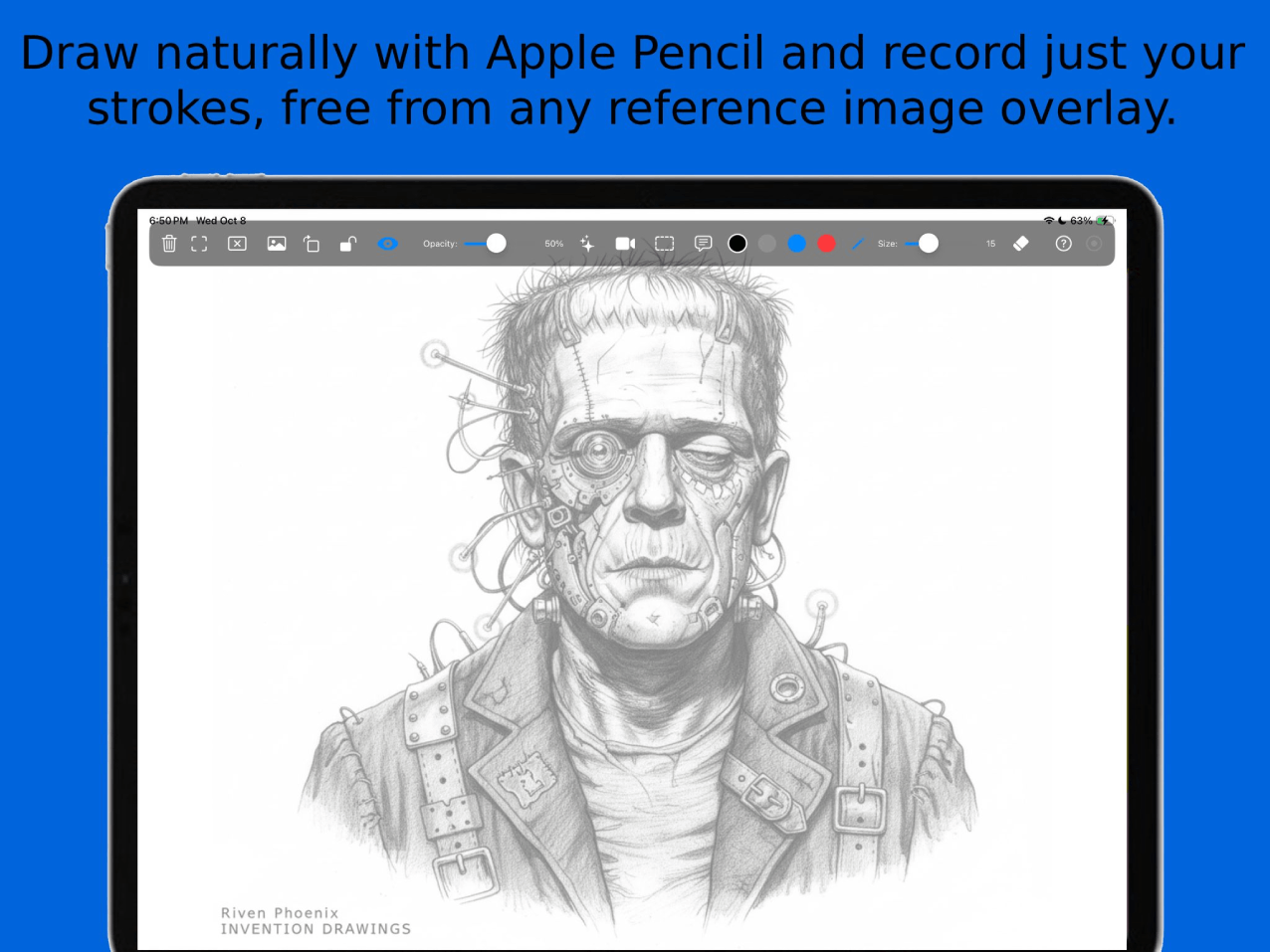
Choose between Strokes Only (Clean), Full Screen (Tutorials), or Raw Camera (Hand filming). Perfect for TikTok & Reels.
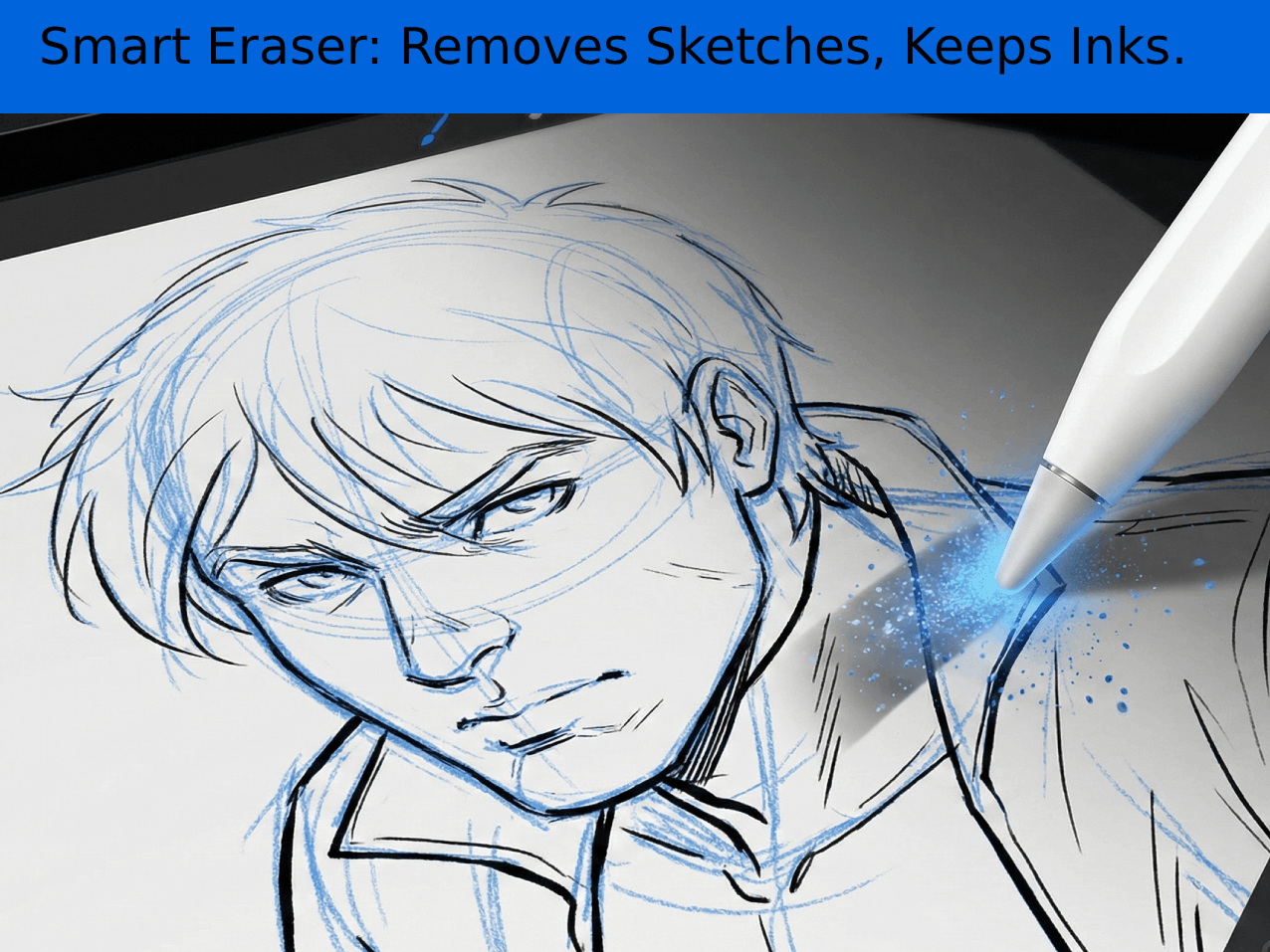
Digital inking made easy. The eraser is Color-Aware. It can erase blue sketch lines while leaving your black inks untouched.
DrawLikePro isn't just a drawing app; it's a recording studio designed for social media.
Want to draw on real paper? Turn on webcam mode.
The app overlays your reference image onto the live camera feed. You look at the iPad screen, but your hand draws on the paper below.
The Magic Part: You can Record this process without the overlay showing in the final video! It looks like you drew it from memory.
Traditional inking requires erasing pencil lines after ink dries. DrawLikePro makes this instant digitally.
Select a color (e.g., Blue construction lines) and tap the Eraser. It becomes Color-Aware. It will wipe away your construction lines while magically leaving your final black ink lines untouched.
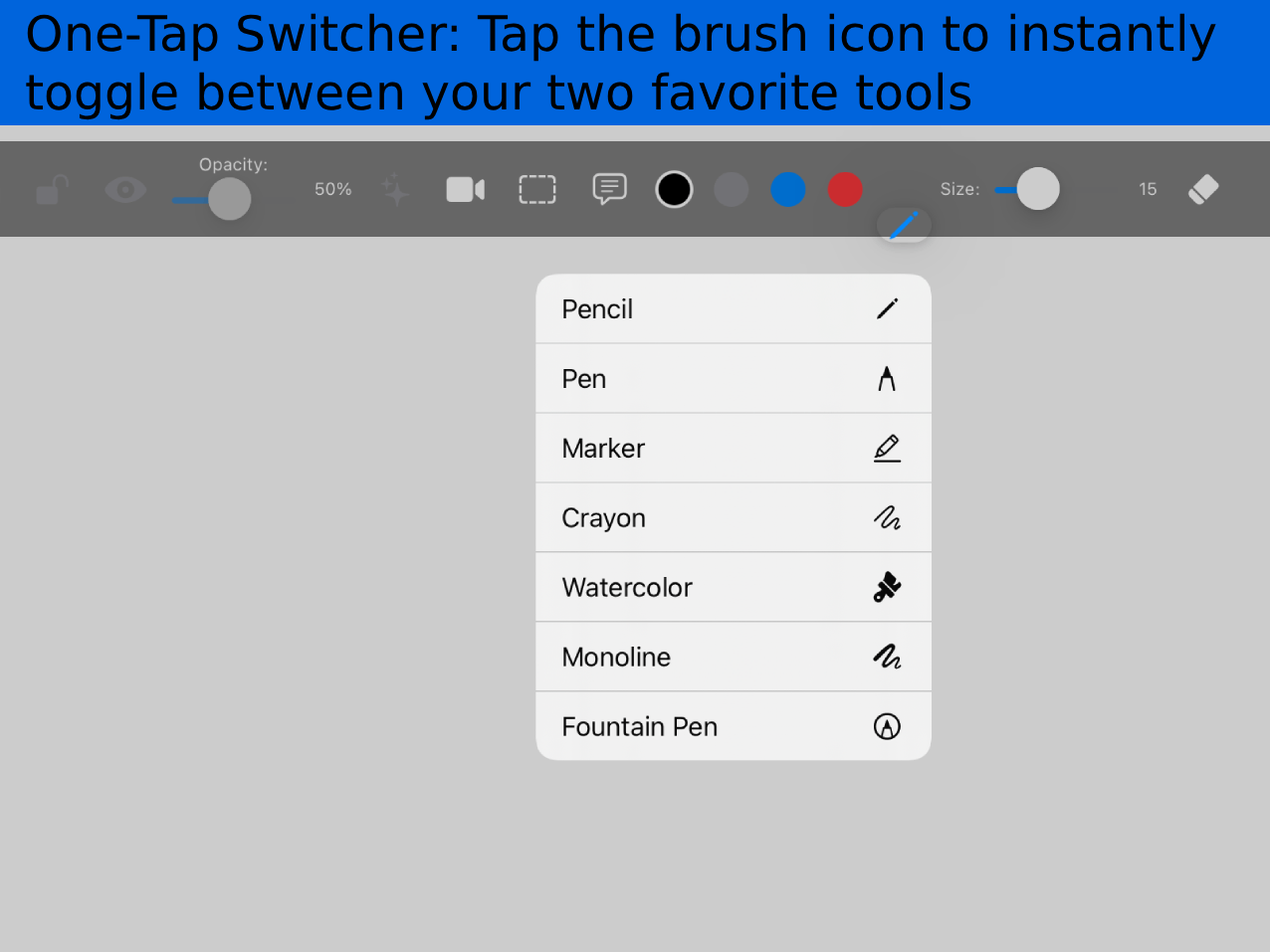
Efficiency is key for professionals. We've optimized the toolset for speed:
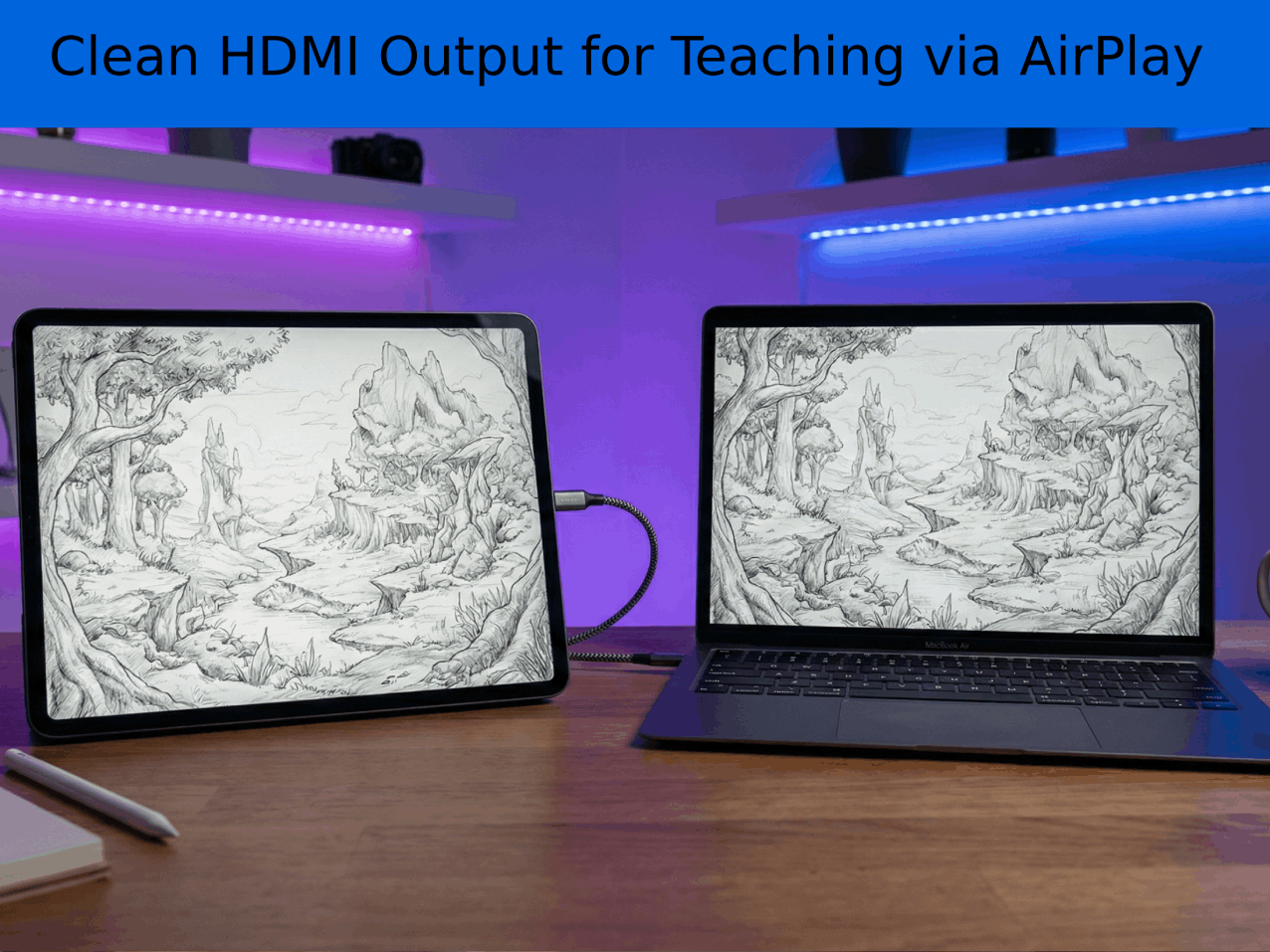
Perfect for Teachers, Streamers, and Demos. Connect your iPad to a TV via HDMI or AirPlay.
DrawLikePro detects the second screen and projects a Pure, Clean Canvas (No UI, No Zooming Jitter) to the audience using our "Instant-Burn" technology.
Total control over your environment:
Riven Phoenix is the author of "The Big Art Course" and the creator of "Pose Tool 3D" (Voted Top 10 App by ImagineFX). DrawLikePro was built because Riven needed a professional recording tool for his own courses—one that solved the problems of messy interfaces and post-production editing.