Stop guessing colors. PaintLikePro analyzes your photos and generates accurate mixing recipes, printable outlines, and a master artist reference guide automatically.
Compatible with iPhone, iPad, and Mac (Apple Silicon)
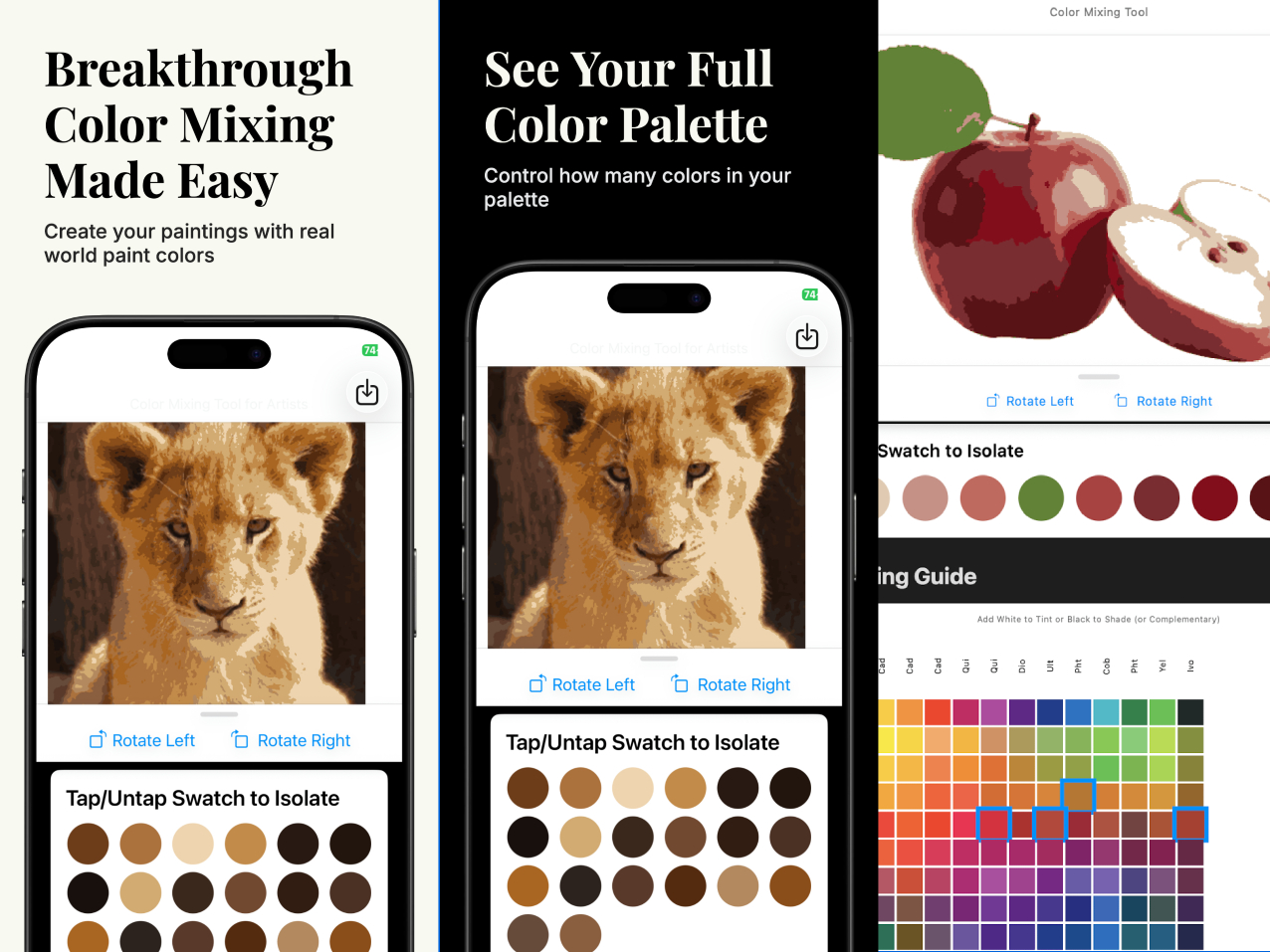
Turn complex photos into 4-32 color paint-by-number templates. Our K-Means algorithm simplifies reality into paintable shapes.
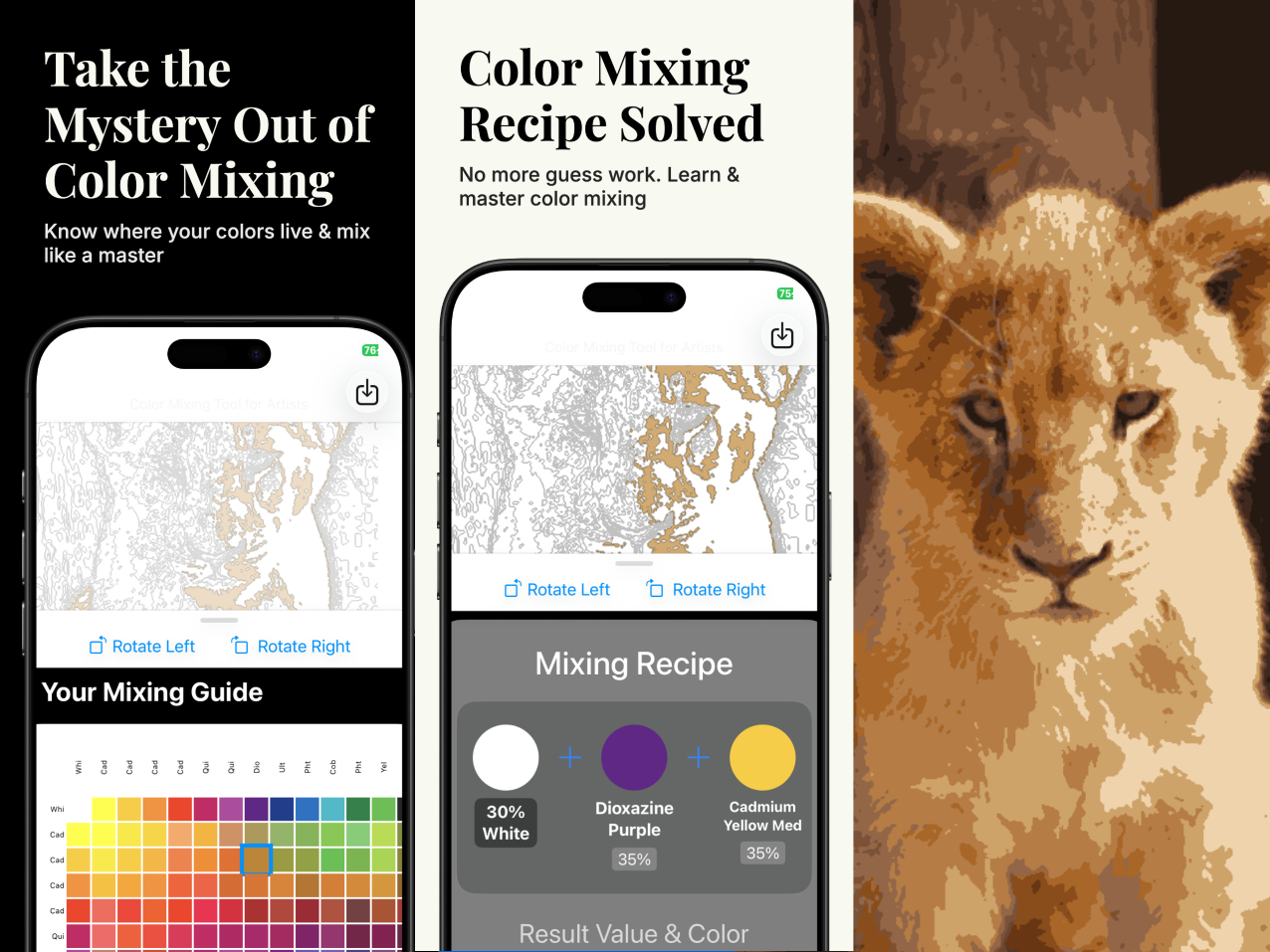
Stop creating "muddy" colors. We give you the exact recipe (e.g., 50% Cad Yellow + 10% White) to match your photo perfectly.
Export high-resolution "Pale Mode" images. Print them on canvas or paper and paint directly over the guide lines.
PaintLikePro solves the hardest part of painting: simplifying the image.
Never struggle to match a color again.
The app compares your image against a standard 14-pigment artist grid (Cadmiums, Phthalos, etc.).
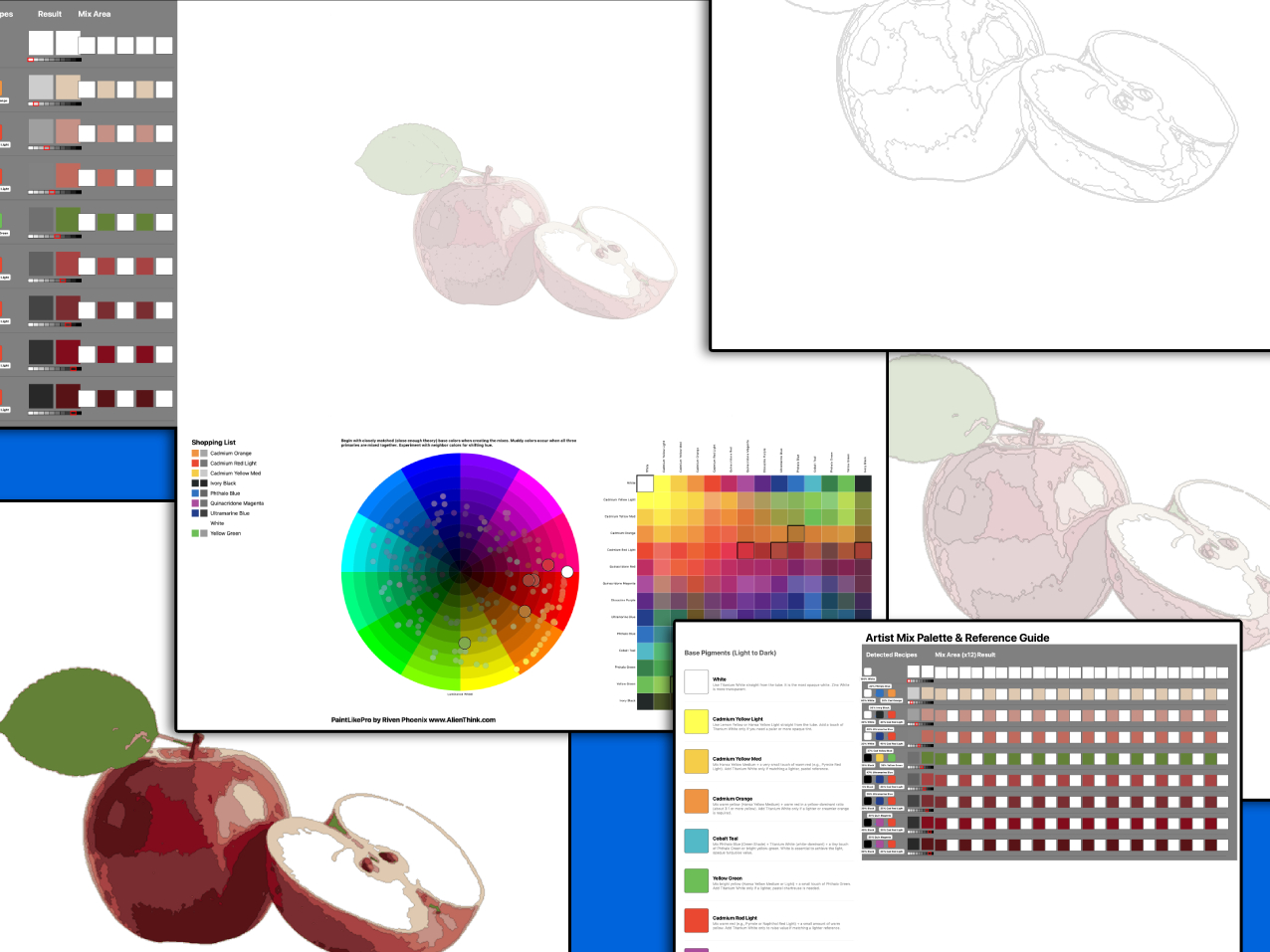
The Formula: It generates a visual recipe for every single color. It tells you exactly which base pigments to mix and in what ratio to achieve the target hue.
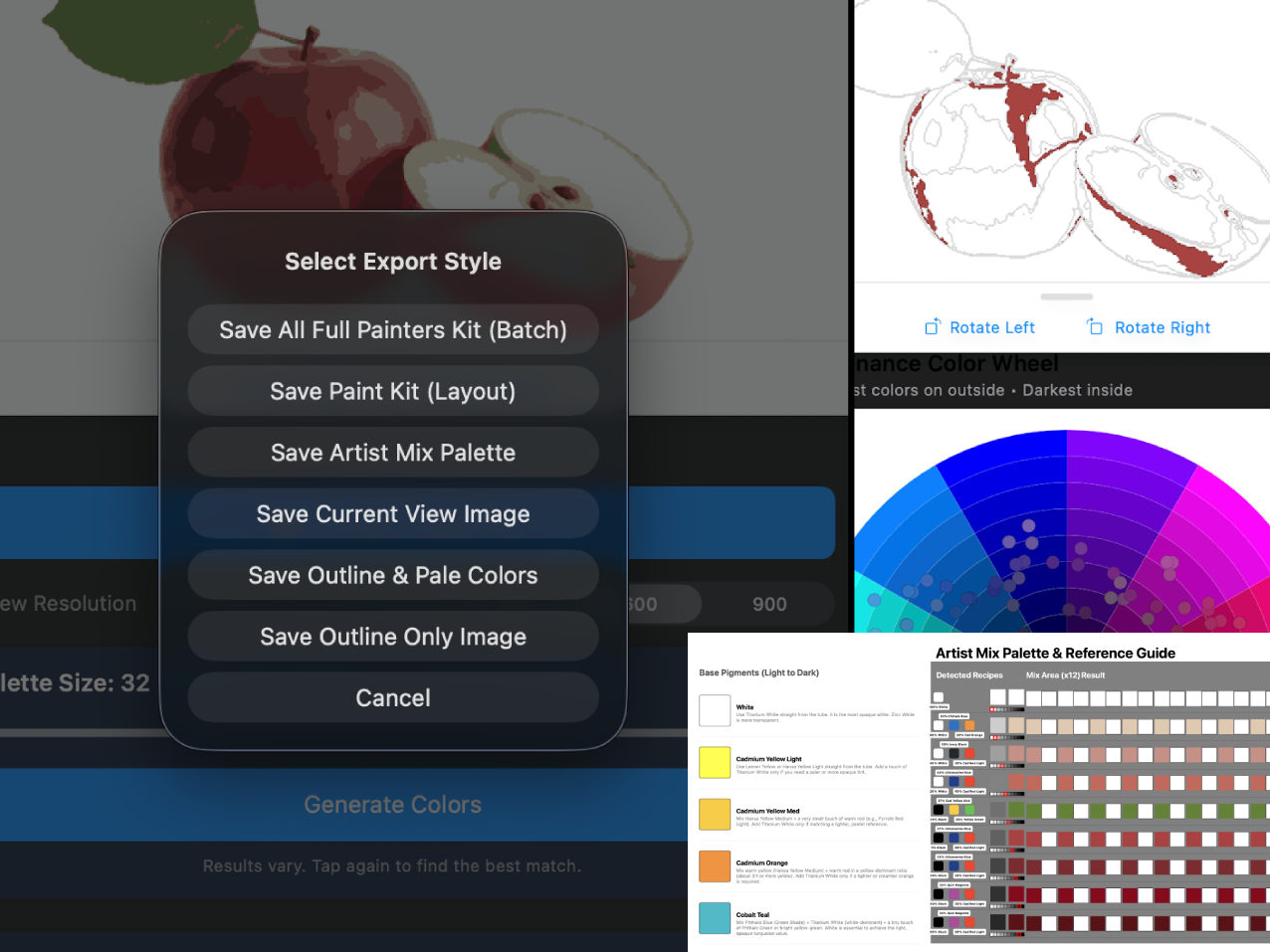
This is your master reference guide. Generate a printable Portrait-mode sheet that contains:
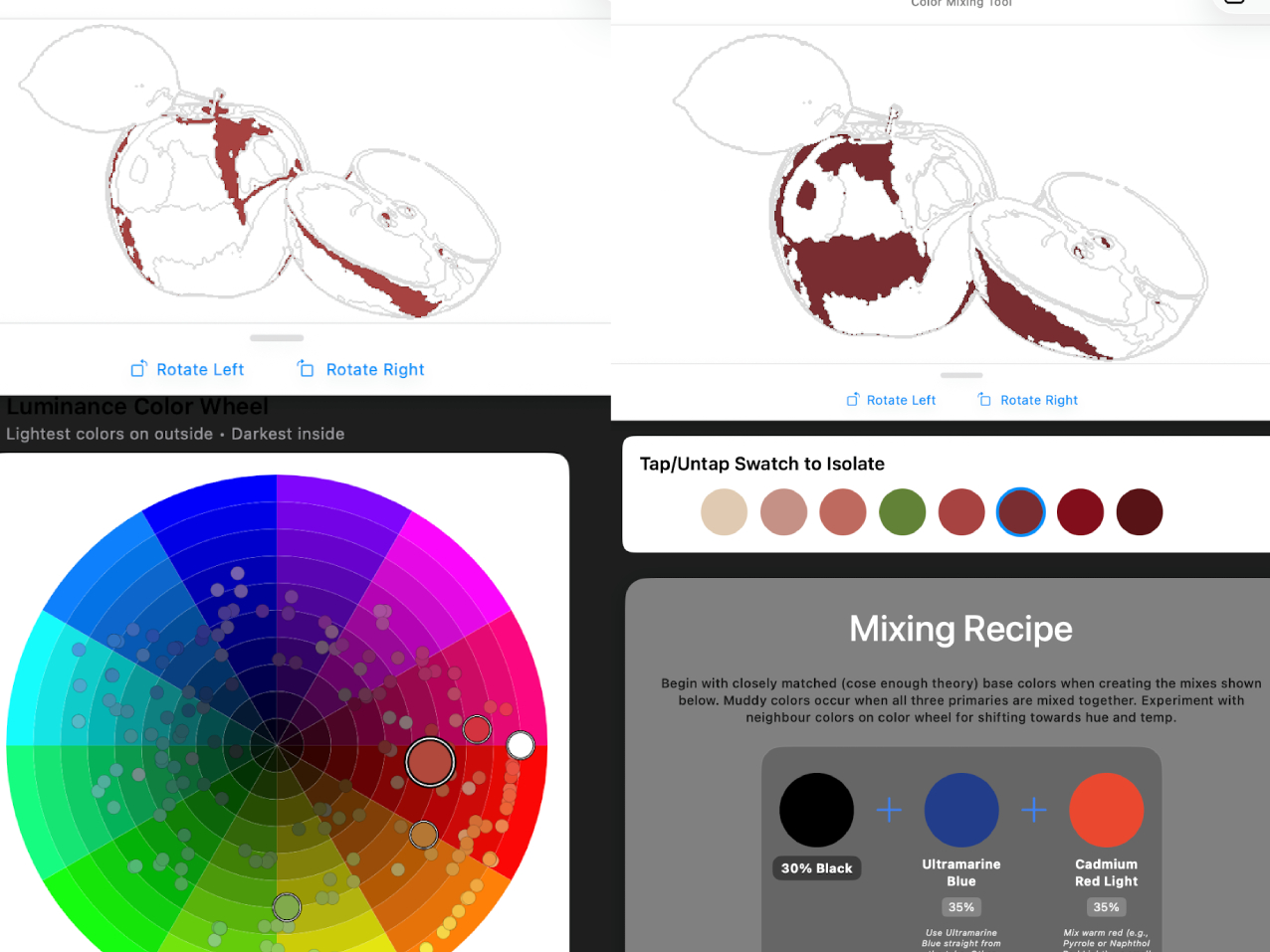
When you have 32 colors, it can be hard to see where "Color #12" goes.
Tap to Isolate: Simply tap a color swatch in the palette. The main image will instantly mask out everything else, highlighting only the areas where that specific color belongs. It's the ultimate guide for painting in layers.
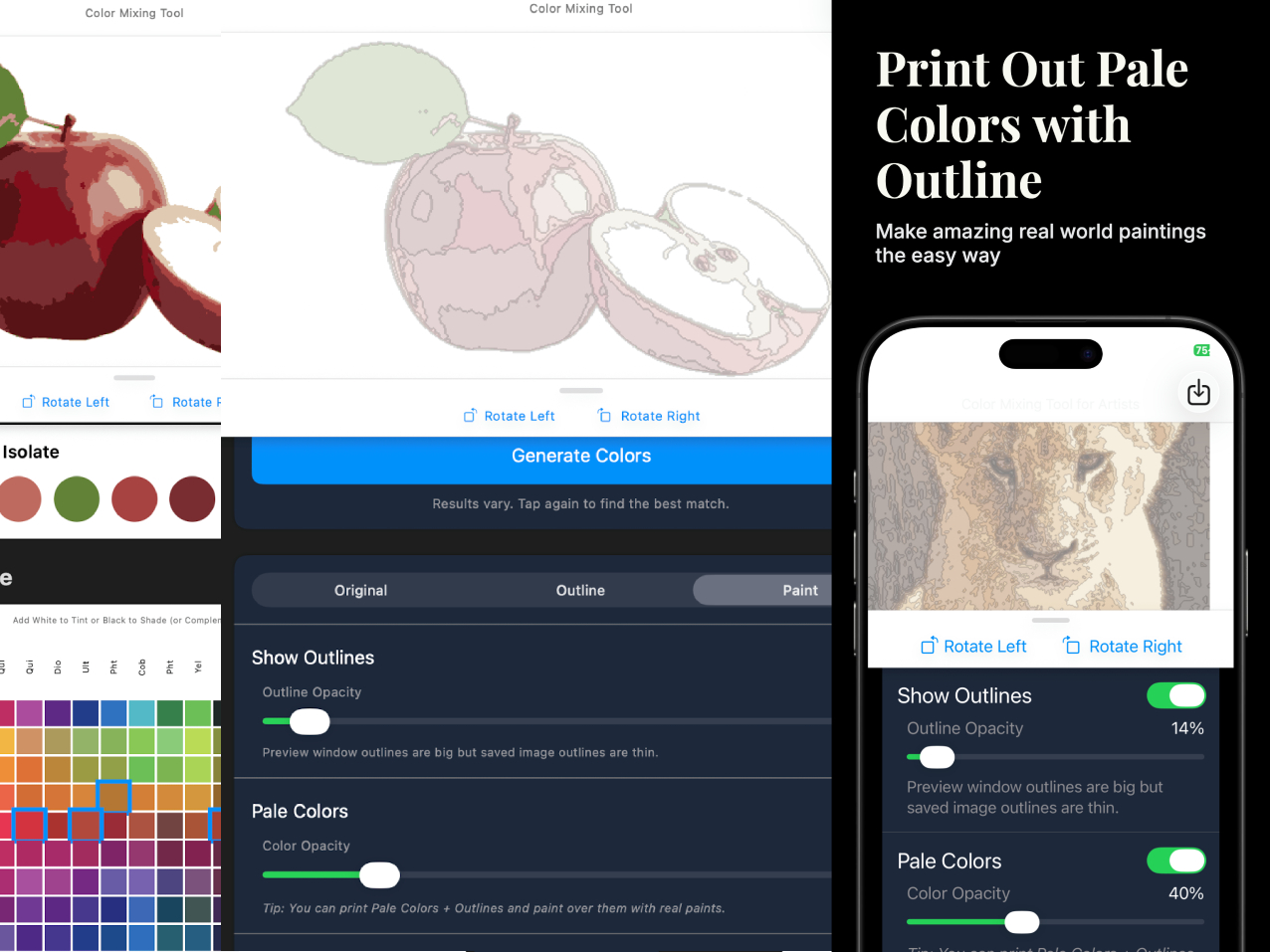
Printing a full-color photo wastes ink and is hard to paint over.
The Solution: Use "Pale Mode." This generates a version with strong black outlines and very faint, washed-out colors (adjustable opacity). You can print this, glue it to board, and paint opaque oils or acrylics right over the top.
One tap generates a complete digital or printable folder containing everything you need to start your masterpiece:
Riven Phoenix is the author of "The Big Art Course" and the creator of "Pose Tool 3D." PaintLikePro was built to solve the frustration of color mixing. Riven wanted a tool that didn't just simplify photos, but actually taught students how to mix the pigments they see.